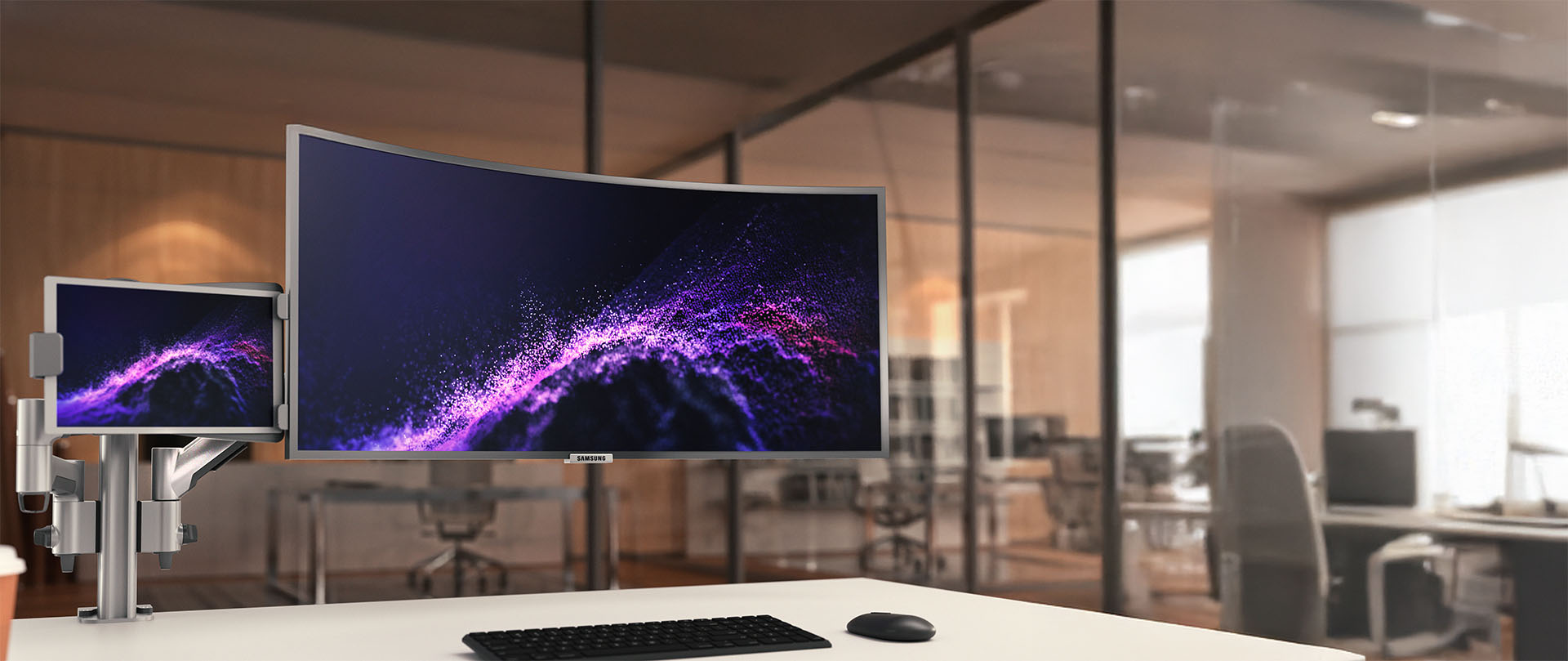
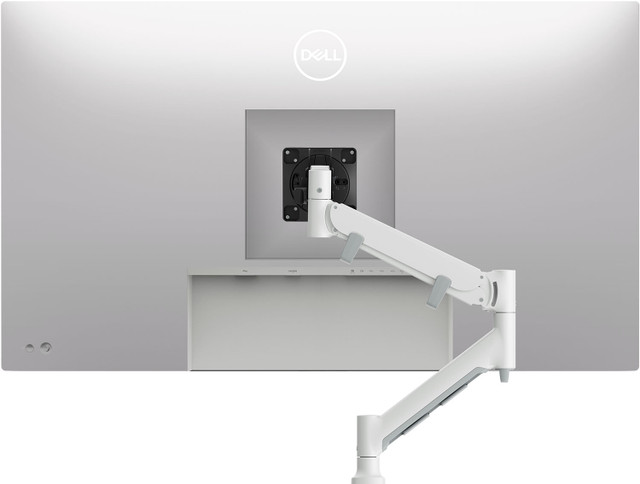
What monitor mount for a desk is best?
The best monitor mount for a desk is one that clearly supports your screen size and falls within your monitor's recommended weight range. Look for an adjustable monitor mount for a desk that offers height, tilt, and reach so the screen can be positioned comfortably for different tasks and users.
Can monitor mounts for desks work for home and office use?
Yes. Monitor mounts for desks work equally well in home offices and professional environments. The same ergonomic benefits apply in both settings, including improved posture, better viewing angles, and more flexible desk layouts.
What monitor mount for a desk weight capacity do I need?
We offer maximum size guidance as well as flat monitor and curved ultrawide weight capacity for each monitor mount for a desk. We recommend checking your monitor model's weight for compatibility with your selection. The average monitor weight (without stand) by size is: 24-inch monitors: 5.5 to 10lbs 27-inch monitors: 9 to 14lbs 32-inch monitors: 12 to 20lbs 34-inch ultrawides: 13 to 22lbs43-inch flat monitor: 17.5 to 28.5lbs 49-inch ultrawides: 20 to 33lbs
Does desk thickness affect what desk fixing I use?
Yes, thickness is important to your monitor mounts for desks fixing selection. Atdec clamps have different desk thickness ratings, with the largest accommodating desks to 3.1 inches thick. Desks thicker than 3.1 inches don't suit clamping at all, in that case we recommend a freestanding mount.Atdec desk clamps and fixing maximum desk thickness:AC-GC grommet mount: 0.71 to 1.4 inchesAWM-FH HD desk clamp: 0 to 2.6 inchesAWM-FC C-clamp: 0.71 to 1.3 inchesAWM-FB bolt-through: to 1.3 inchesAWM-FF F-clamp: to 3.1 inchesOra with F-clamp: to 2¾ inches
How much space do monitor mounts for desks really free up?
Monitor mounts for desks eliminate the native monitor stand from the desk which can free substantial space. A monitor with native stand occupies 8 to 12 inches of desk depth, for example. Transitioning to monitor mounts for desks reclaims the entire footprint, replaced by 2 to 4 inches of desk fixing at the far rear of the desk. In addition to reclaiming space while the monitor is in use, monitor mounts for desks enable monitors to be pushed to the far rear of the desk when not in use, opening the desk for other endeavors.
Will monitor mounts for desks damage my desk?
Clamp fixings distribute pressure across the clamp footprint and should not damage a desk when properly installed. That is, in part, why desk clamps for heavier monitors and multimonitor setups have a larger footprint. Desks constructed of very soft materials or thin veneers may show a slight compression from the clamp. If this is a concern, or if the desk is antique or glass topped, consider a freestanding desk mount.
Can I install monitor mounts for desks myself or do I need a professional?
Installation is straightforward for anyone comfortable with basic assembly. No special tools are required, with most installations requiring only a screwdriver to connect the VESA plate to your monitor. Atdec provides installation instructions, along with videos on selected models.
Do monitor mounts for desks require maintenance or adjustment over time?
Quality mounts require minimal maintenance. Mount tension may require adjustment if you change monitors or notice drift, but this is unusual and typically takes seconds. No lubrication or servicing is required during a normal service life. Atdec monitor mounts for desks have a 10 year warranty and many remain in the field well beyond that time.
 ContactREGISTER