
Dispatcher console ergonomics for 24/7 operations
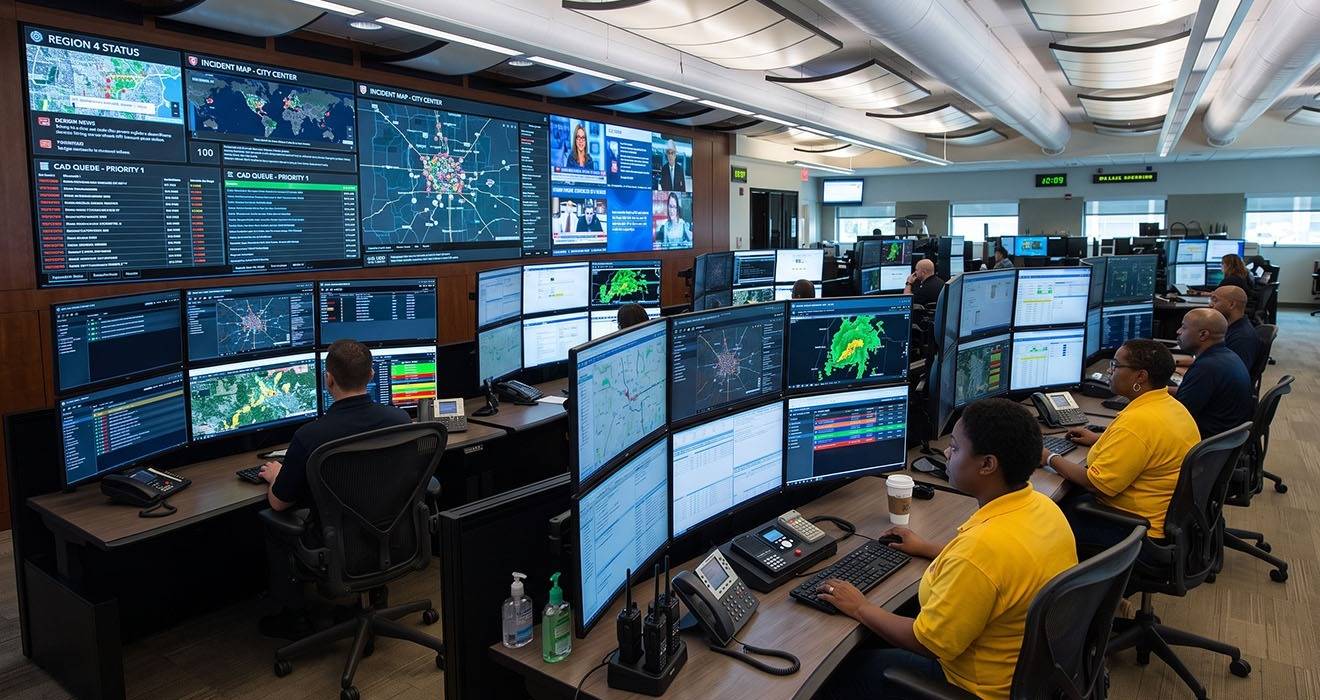
In an emergency operations center, the console is where the work happens. An operator can spend ten or twelve hours at the same position, moving between call handling, mapping, records and status displays without ever leaving the seat. The layout of that position is not a comfort nicety. It shapes how quickly an operator can read a screen, how long they can stay sharp, and how they feel at the end of a shift.
Why screen position drives fatigue
An operator’s gaze returns to the same displays thousands of times a shift. Screens that are too high makes the operator tilt their neck back which holds tension. Screens too low make the operator hunch. Too distance - they lean in to read dense text. Small compromises repeated for hours become real discomfort, and discomfort becomes distraction and impedes the operator at exactly the moment attention matters most.
The fix is not a single correct position. It is the ability to set the right position for each operator, and easy change it. People differ in height, reach, and eyesight, and a seat used across three shifts may serve three different bodies in a day.
The three adjustments that matter
Good console monitor arms give the operator control over three things at every screen:
- Height, so the top of the screen sits near eye level and the neck stays neutral.
- Depth, so each display sits at a comfortable reading distance rather than forcing the operator to lean.
- Angle, so the screen tilts to the line of sight and cuts glare from overhead lighting.
When those three are quick and tool-free to change, an operator settles a new position in seconds at the start of a shift, rather than enduring someone else’s setup for hours.
Motion over a full shift
Static posture is its own problem. The healthiest position is the one you change to next! Good quality monitor arms let an operator raise, lower, or reposition a screen during a shift. This encourages small movements that keep circulation up and stiffness down. On a sit-to-stand console, screens that follow the desk through its full travel let the operator change posture without losing their view.
The best position is the one the operator can change, because no single setting suits a body for eight to twelve hours.
Ergonomics and reliability are the same requirement
There is a hard-wearing side to this. Monitors that are repositioned constantly, shift after shift, year after year, needs monitor arms that hold the adjustment and carry the load dependably every time. An arm that drifts, sags, or loosens stops serving the operator and becomes another small daily irritation. Mounting for 24/7 consoles must perform through continuous use, not just on the day it is installed.
Designing around the operator is not softness. In a room where seconds count, an operator who can see clearly, sit comfortably and stay focused across a full shift is doing better work. The console is the tool that makes that possible, and the mounting is what puts every screen exactly where it needs to be.