
Futureproofing an operations facilities:
add screens without rebuilding the desk
Operations facilities are never finished. Roles change and split as the operation grows. Call volumes rise. New applications and data feeds arrive, each wanting somewhere to be seen. Monitors get larger, change shape, or simply wear out and are replaced. And every few years the technology underneath the whole floor shifts again. A room built perfectly for today’s needs will need to change within a few years, and the only real question is how much disruption that change brings.
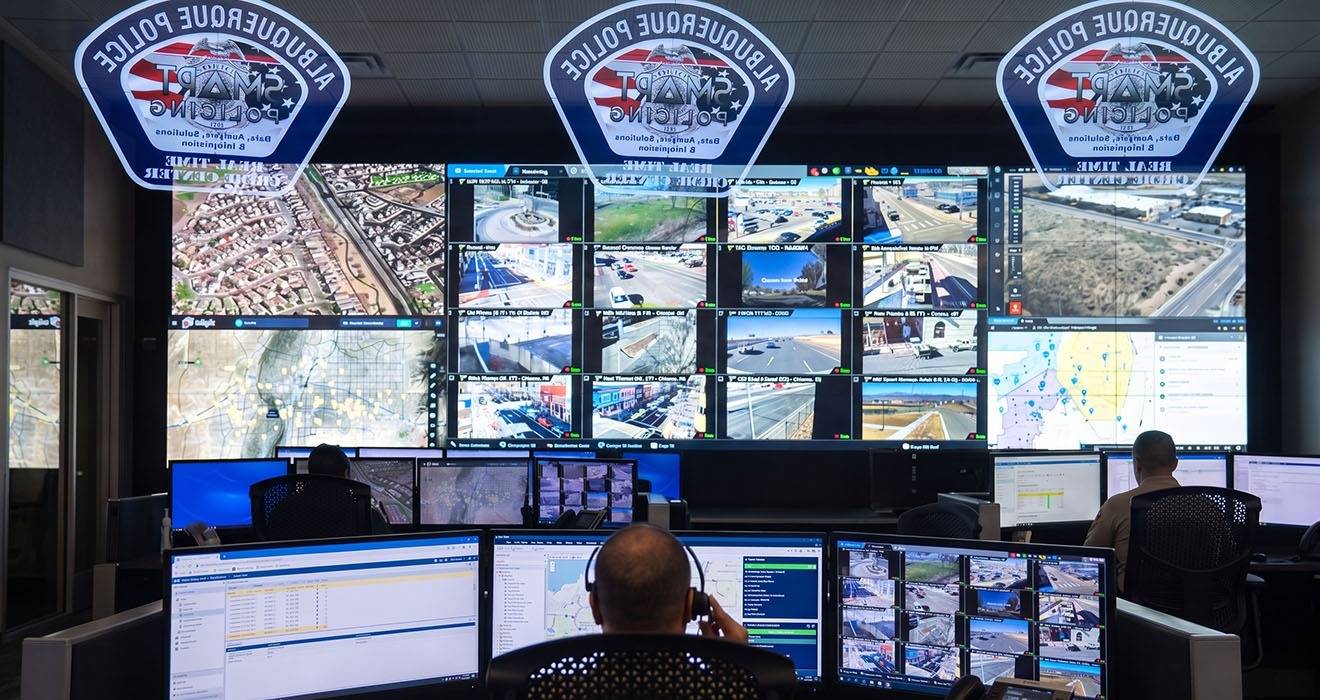
Much of that answer comes down to a decision made at specification time: whether the console mounting can grow, or whether growth means starting over at each position.
Cost of rebuild
When mounting is fixed to a specific screen count, adding a display often means replacing the mount, and sometimes reworking the desk around it. Multiply that across a floor and a modest upgrade becomes a project: hardware to buy, positions out of service, technicians on site, operators displaced. The screen was the small part; the rebuild was the expensive part.
It also discourages sensible change. If every adjustment is costly, a center tends to make do with a layout that no longer fits, because changing it is more trouble than it is worth. The room slowly falls behind the work.
Downtime is the hidden cost in a 24/7 room
In an ordinary office you can rebuild a desk on a quiet afternoon and nobody notices. An operations floor does not have quiet afternoons. It runs around the clock, every position is in use, and you cannot simply take a seat offline for a day to rework it. So a rebuild is not just the hardware and manpower; it is the problem of doing that work in a room that never closes, which usually means overtime, temporary positions, or running short-handed while the work is done. That disruption is often the largest cost of a change, and it is the one that never shows up on the quote. Mounting that lets you add or move a screen at the position, in place and in minutes, is what keeps that cost down, because the floor keeps running while the change happens.
What modular mounting changes
A modular system is built to be added to and rearranged. A position can gain a screen, drop one, or shift to a different arrangement using the same underlying mounting, without ripping out what is already there. The change is measured in components and minutes, not in a rebuild.
The mounting outlives the monitors
There is a reason mounting is worth treating as the long-lived layer of a position. The screens on a console are replaced far more often than the console itself. A monitor ages, fails, or is swapped as a role changes. The desk and the mounting are expected to serve for many years across several generations of screen. So the sensible question at specification time is not which monitors you are buying now, but whether the mounting will still accept the ones you buy in five years.
This is where the VESA standard does quiet work. Displays follow the VESA Flat Display Mounting Interface, a common pattern of threaded holes on the back of the screen, so a mount built for the right pattern accepts a new monitor as readily as the one it replaces. Monitors in the size most operator positions use share the 75 by 75 or 100 by 100 pattern, with larger displays stepping up through bigger patterns as size and weight increase. Choosing a mounting system whose range spans the patterns and loads you are likely to grow into means the screens can change again and again while the mounting stays put. The one caveat worth holding onto: VESA compatibility is not automatic across every size, and a mount must still be rated for the weight of whatever screen goes on it, so futureproofing means matching both the pattern and the capacity to where the role is heading.
Buy for the screen count you will have in a few years, not only the one you have today.
Futureproof without predicting the future
The useful thing about modularity is that it does not require you to forecast exactly what you will need. You cannot know precisely how many screens a position will run in three years, or what new feed will arrive. But you can choose a monitor mounting system flexible enough to absorb whatever comes, so the uncertainty stops being a problem to solve in advance.
That flexibility has to be dependable. A position reconfigured several times over its life still has to hold every screen to its rated capacity and adjust as cleanly as it did on day one. Futureproofing is not just the ability to change; it is the ability to change repeatedly without wearing out.
Atdec Modular is the mounting system for desks and consoles that enables infinite mounting possibilities, including reconfiguration and component reuse.
A quieter benefit
There is a knock-on advantage. When change is easy, facility management keeps its floor matched to the work, because improving a position is no longer a battle. The room evolves with the operation instead of lagging behind it, and the mounting that made that possible quietly earns its place for the life of the center.