
What NG911 means for your console hardware
Next Generation 911 is changing what arrives at a dispatch position. The move from legacy infrastructure to a digital, IP-based network means a call is no longer just a voice on a line. NG911 can carry text, images, video and far richer location data, and it can route calls between emergency operations facilities when one is overwhelmed or offline.
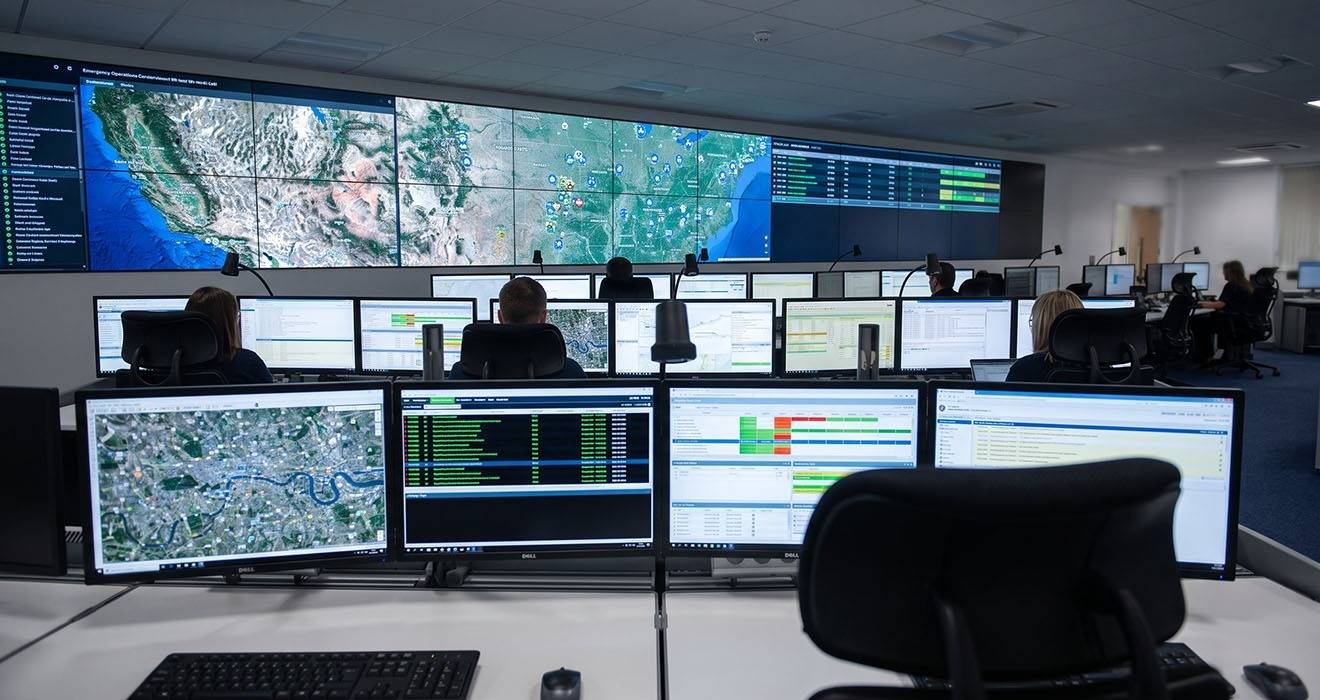
Most NG911 attention goes to the network and the software. But the change lands on the desk too - more data feeds means more to display, and more to display often means more screens per operator.
Why more data becomes more screens
A call taker who once worked a voice call and a CAD screen may now be handling a map with live location, an inbound text thread, an image or video from the scene, plus the usual call-handling and records applications. Some of that can share a display. Much of it cannot, because an operator needs to see several things at once, not tab between them under pressure.
The practical result is that positions grow. A two-screen seat becomes three or four. An ultrawide monitor appears for map-heavy roles - we've seen an explosion of Samsung G9 monitors deployed into emergency operations (those monitors are usually the prized possession of computer game enthusiasts!). A supervisor position gains a shared status view. None of this happens all at once, which is exactly the challenge - the console has to keep changing.
The hardware risk in a
software transition
NG911 rolls out unevenly, state by state and facility by facility, over years. That means your consoles are not being rebuilt once for a known end state - if you could even claim that emergency operations consoles have a defined 'end state'! They are instead adjusted repeatedly as capabilities arrive. If every screen change means new mounting hardware, the cost and disruption add up, and the floor spends more time under a screwdriver than it should.
The goal is to add and rearrange displays as the network matures, without replacing the hardware beneath them.
What to look for in console mounting
Mounting that suits an NG911 transition tends to share a few traits:
- Modularity, so a position can gain a screen without a full rebuild.
- Reconfigurability, so displays can be added, moved or reoriented as roles change.
- Consistent parts across positions, so a change at one seat uses the same components as the next.
- Rated capacity that holds through repeated adjustment and continuous use.
The thread running through those is futureproofing. You are not buying monitor arms for the screen count and configuration you have today. You are buying for the count you will have in two or three years, without knowing exactly what it will be.
Preparing the floor now
A facility part way through NG911 does not need to predict its final layout. It needs a monitor mounting system flexible enough to grow into whatever the transition brings, sufficiently standard and well designed that changes are simple, and dependable enough that a heavily reconfigured position performs as well as a new one. Get the mounting right, and the desk stops being the thing that slows the upgrade down.